
Table Tennis AI Coach

Project Description

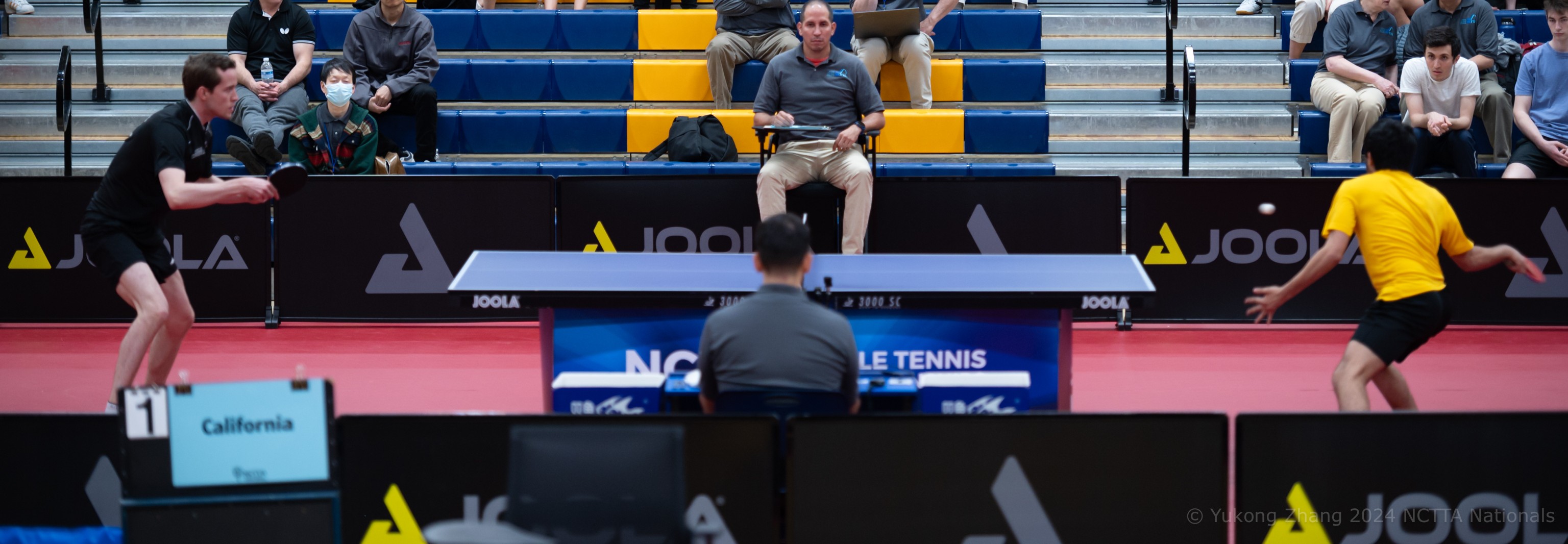
The Table Tennis AI Coach is a computer vision-based application that is designed to provide real-time feedback on a player’s technique without the need for a physical coach. The motivation behind the project came from the realization of a high demand for private coaching and a low supply of it in regions like the state of Texas. This app offers a convenient solution by allowing players to train at home using a camera setup, such as one mounted behind a ping pong robot.

Feedback the application can give

The AI Coach classifies feedback into 4 categories:

  • Good Swing

  • Racquet dropping too low

  • Elbow flares up

  • No upper body rotation

Technology Stack

This project combines computer vision, machine learning, and real-time video processing to analyze table tennis strokes. MediaPipe extracts body landmarks, OpenCV handles video capture and processing, and a PyTorch-based LSTM model classifies stroke quality based on sequential motion data.

MediaPipe

MediaPipe is an open-source framework developed and maintained by Google. In my project, I'm using the framework to extract the joint coordinates of a player. The framework is powerful and can extract data points from any body type. For the application, I’m collecting the data points for the hip joints, shoulder joints, right elbow, and right wrist. However, the framework is able to extract 33 data points, which it calls landmarks.


OpenCV

OpenCV is commonly used for image and video processing. It allows capturing and conversion of frames. It also enables drawing shapes and text on captured frames.

Python & PyTorch

With PyTorch, I built and trained a Recurrent Neural Network, specifically a Long Short-Term Memory (LSTM) network. This type of model allows the app to process sequential data and retain information across multiple frames. This allows the system to analyze the entirety of a player’s swing over time rather than evaluating each frame independently.

Challenges & Hurdles

Difficulties encountered during the development process.

Original Setup Environment

The idea was to originally run the program in C++ using the Bazel build tool. However, setup was complex and C++ only supported MediaPipe's legacy solutions.

Bazel icon

Data Quality and Analysis

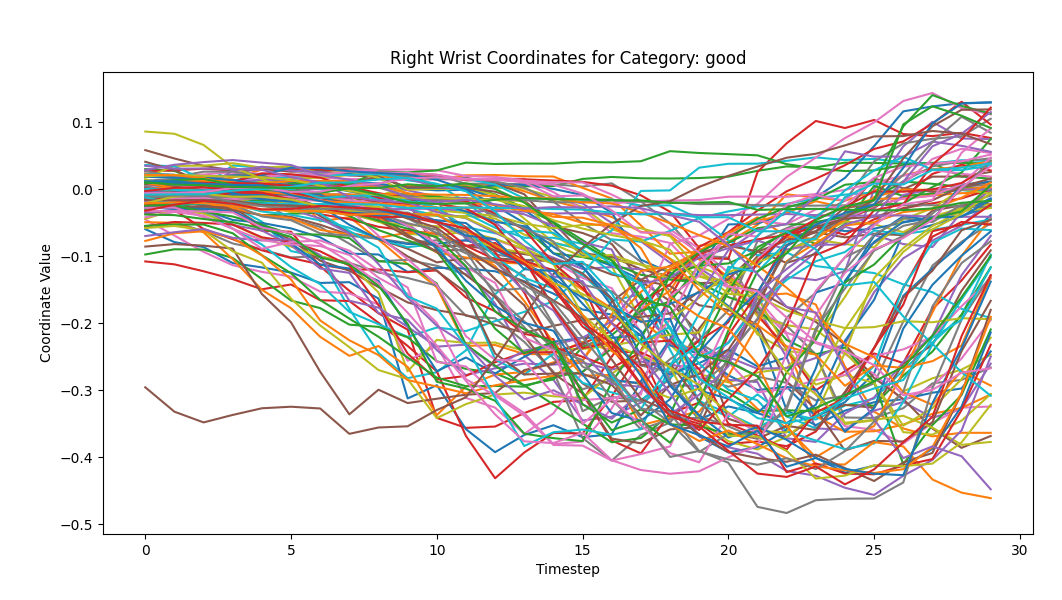
Training the model on a 3D coordinate system confused the AI, since the z-coordinate responsible for depth perception was too inconsistent, making it difficult for the model to detect patterns.

Inconsistent z-coordinate for wrist

Frame Capture Issues

The model relies on a 30-frame sequence to classify a swing, so correctly detecting the start of a stroke is critical. Frame capture sometimes misfires due to wrist movement triggering recording at incorrect times.

Project Milestones

Development stages of the Table Tennis AI Coach.

  • Initial Concept: Identified the lack of accessible table tennis coaching and proposed a real-time AI feedback solution.
  • Prototype Development: Built an early version in Python using OpenCV and MediaPipe to capture and visualize player movements.
  • Data Collection: Recorded and labeled stroke data across four categories, creating a dataset of over 500 clips.
  • Model Training: Developed and trained an LSTM-based neural network using PyTorch to classify player technique.
  • System Integration & DEMO: Connected video input, pose detection, and model predictions into a working real-time feedback system. Senura demonstrates the final product by performing 4 good swings, 4 low swings, 4 swings where the elbow flares up and 4 swings without upper body rotation.
  • Refinement & Future Improvements: Plan to refine dataset quality, improve frame triggering, and enhance prediction accuracy. Performance was evaluated on new players and showed issues such as overfitting and timing inconsistencies.